Read the full writeup at https://seangeng.com/writing/a-3d-cartridge-in-css.md and implement it in my project.

It covers: A draggable 3D game cartridge in pure CSS. No WebGL. A preserve-3d box with six faces, a drag that writes one rotation variable, and a drop-shadow trick that recolors a transparent PNG so one shell works for any accent. Pulled out of basement.fun.

Requirements:
- Follow the technique/approach exactly as described in the writeup.
- Adapt names, colors, and styling to my project's existing conventions.
- If it's a component, make it reusable with sensible props and TypeScript types.
- Keep it accessible: semantic HTML, keyboard support, and respect prefers-reduced-motion.
- When done, tell me which files you created or changed and how to use it.
One of my favorite bits from basement.fun is the game
cartridge you can grab and spin. People assume it's WebGL. It's not, it's CSS
3D transforms. Drag it (and swap the cover, accent, and shell):
Mint once, play forever
seangeng.com
basement.fun
cover
accent
shell
drag the cartridge to spin · release to snap front/back
It's a box with six faces
The whole thing is one element with transform-style: preserve-3d and six
absolutely-positioned children, one per face. The front and back hold the
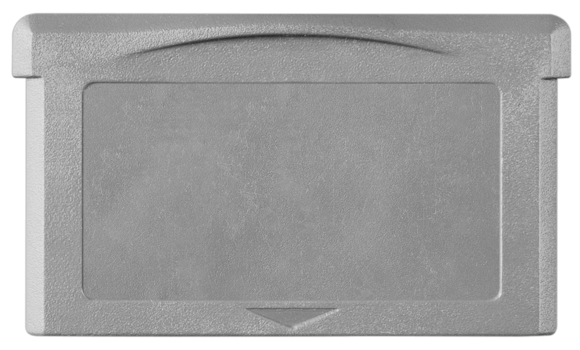
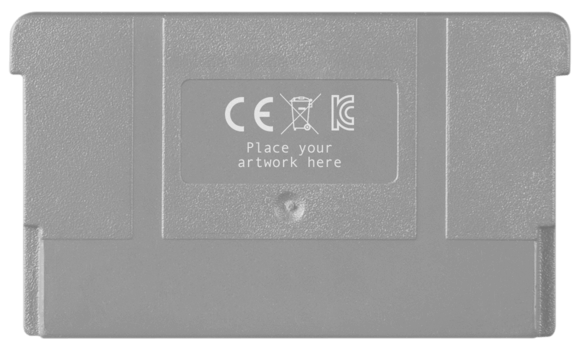
cartridge shell PNG; the thin left, right, top, and bottom faces are filled
with the accent color so the cartridge has real depth when it turns.
.box { transform-style: preserve-3d; transform: translateZ(-50px) rotateY(var(--rotation));}.box__face--front { transform: rotateY(0deg) translateZ(20px); }.box__face--back { transform: rotateY(180deg) translateZ(20px); }.box__face--right { transform: rotateY(90deg) translateZ(183px); }/* …and so on for left / top / bottom */
Dragging just updates --rotation. On release it snaps to the nearest half
turn, so you always land on the front or the back, never side-on. A pointer
handler does the math; React only ever writes one CSS variable.
The cartridge shells are transparent PNGs. You could ship a recolored shell per
game, but there's a slicker way. Take the PNG, give it a drop-shadow offset a
thousand pixels straight down in the accent color, then push the layer holding
it a thousand pixels back up:
.cartridge-shadow { filter: drop-shadow(0 1000px 0 var(--accent-color));}.cartridge-bg { mix-blend-mode: overlay; /* sits over the real shell */ transform: translateY(-1000px); /* pull the shadow into frame */}
A drop-shadow is just a blurred, offset silhouette of the source's alpha. With
zero blur and a huge offset, it becomes a perfect solid-color stamp of the
cartridge, in whatever color you want. Blend it over the shell and the body
takes the accent. One PNG, infinite colors, no canvas.
Why CSS over WebGL here
It's a single object that only really turns on one axis, so a full 3D scene is
overkill. CSS transforms are GPU-composited, there's no runtime to load, it's
crisp at any size, and it degrades gracefully. The only real cost is that you
hand-place the faces in pixels once. Worth it.
Pulled out of basement.fun, a project I work on at B3.
Grab the component (and the shell art) on the 3D Cartridge
page.